Remove furniture
Remove furniture from a photo, keep the room
Clear out furniture, rugs, curtains and clutter so buyers see the room, not the stuff.
10 free credits. No card needed. Credits never expire.
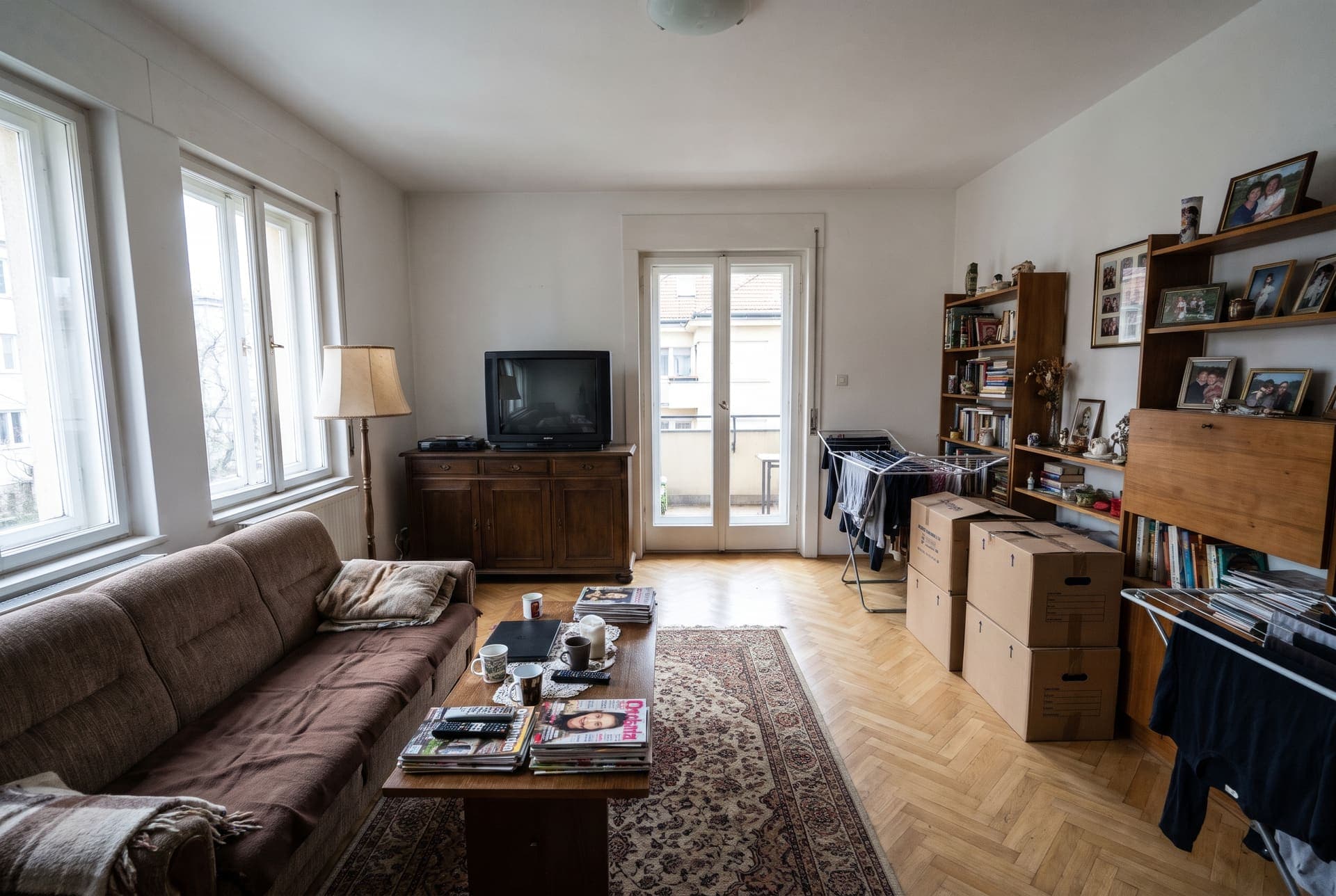
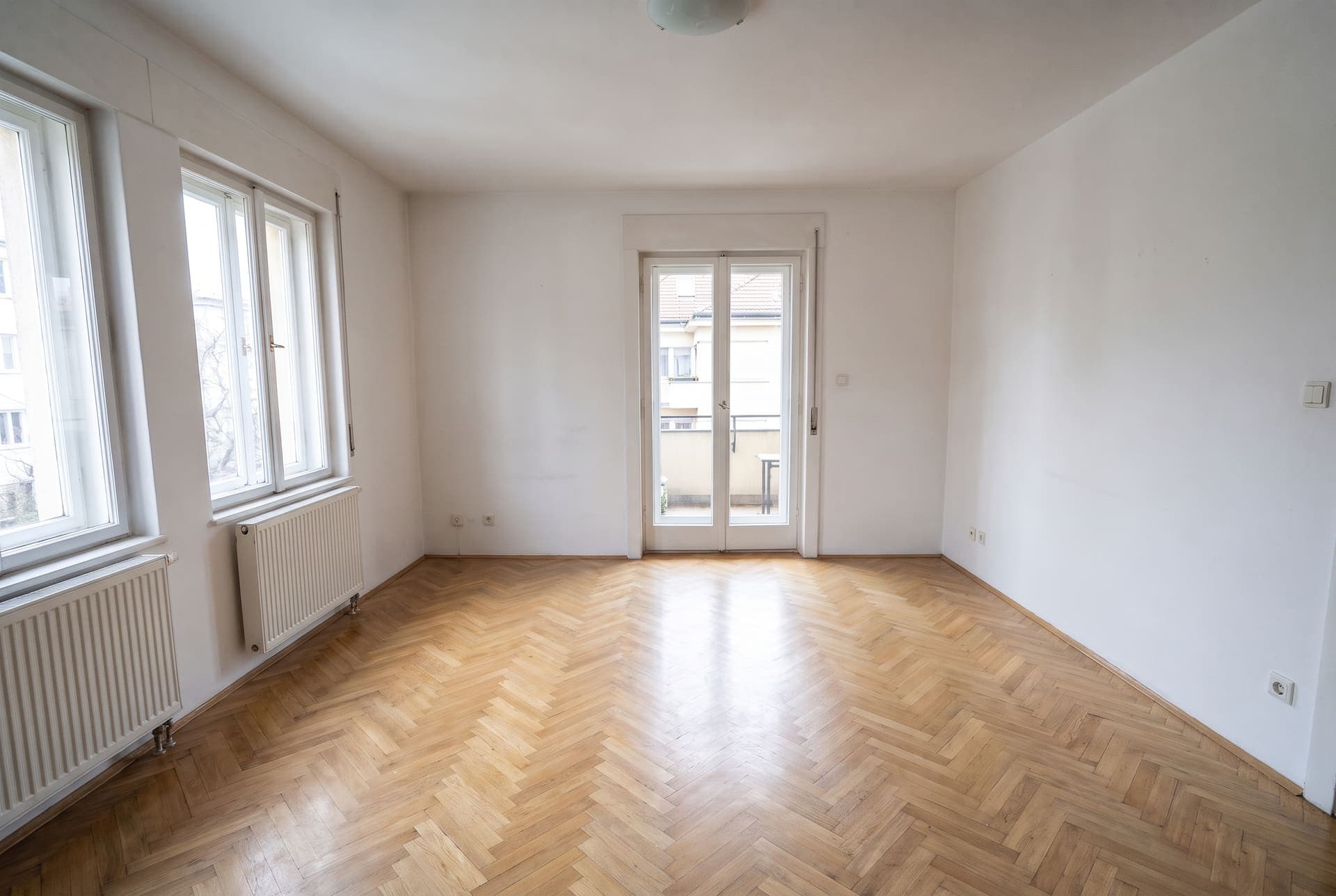
Illustrative sample made with Stagova
A clean slate
Floors and walls rebuilt
What was behind each piece is rebuilt in the same material, color and light as the rest of the room.
Built-ins stay put
Built-in kitchen units and appliances, sanitary fittings, built-in cupboards, light fixtures and radiators are designed to stay in place.
People removed too
If someone walked into the shot, they are designed to be removed and the background rebuilt.
Another example
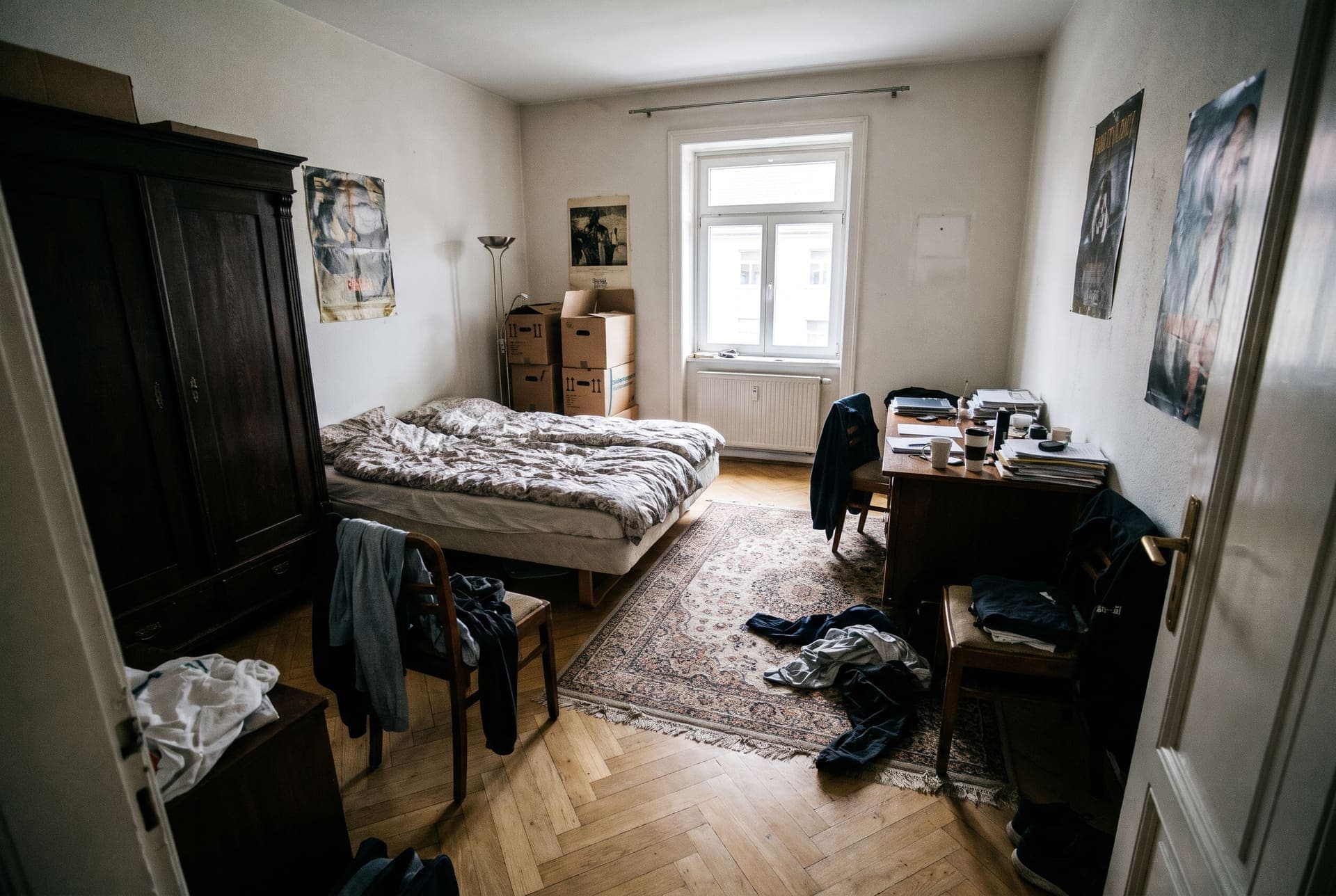 OriginalEmptied
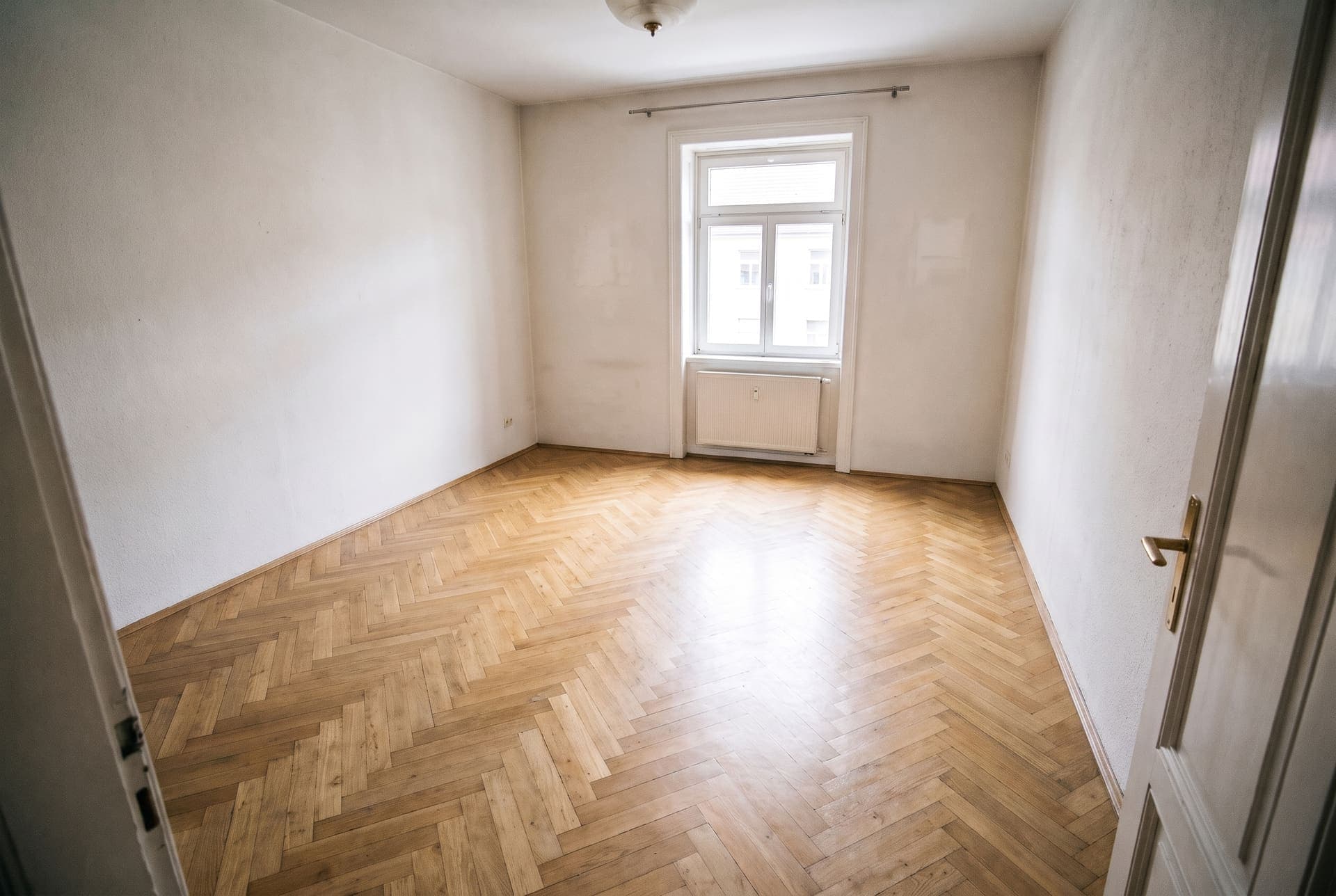
Illustrative sample made with Stagova
More ways to get a photo ready
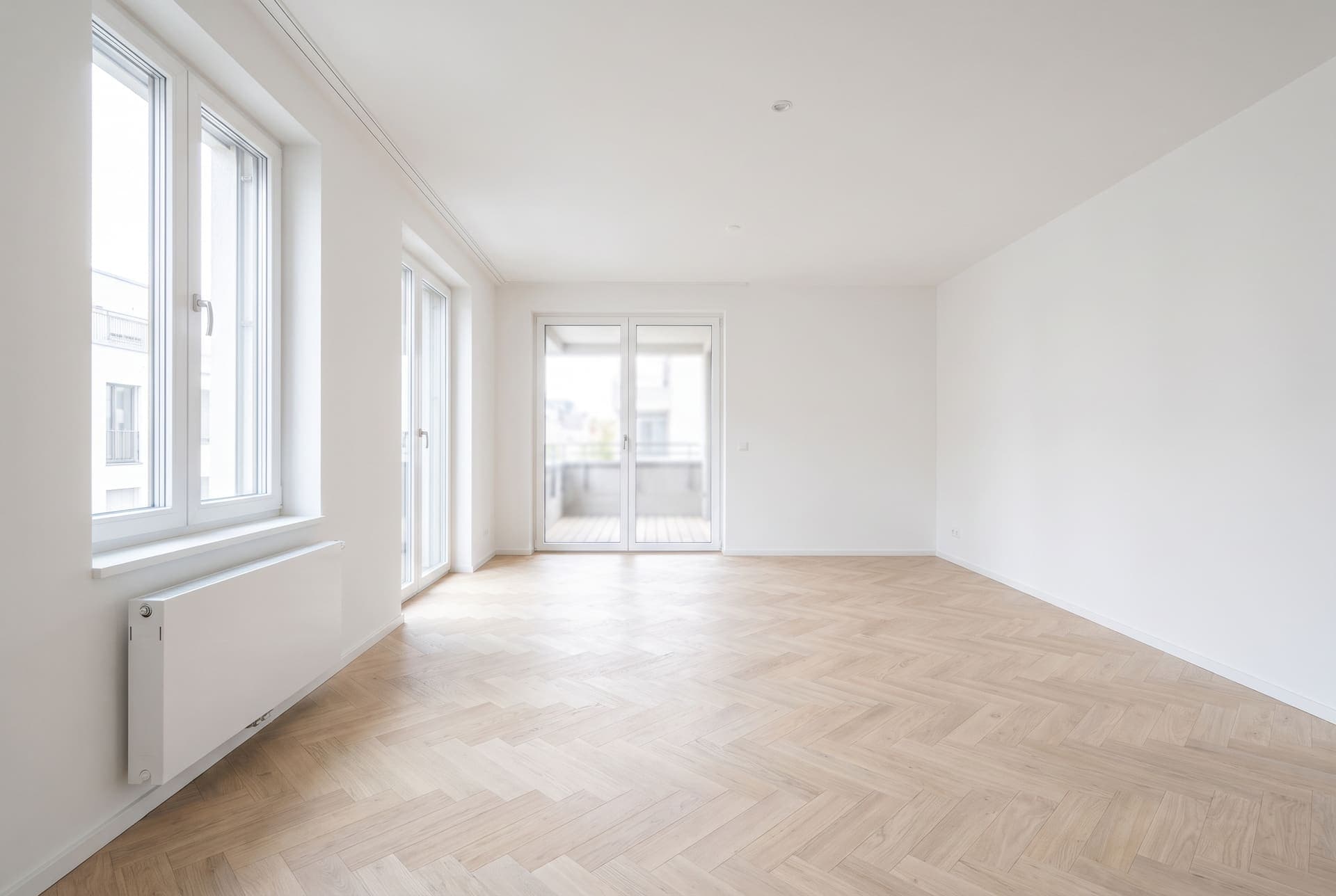 OriginalStaged
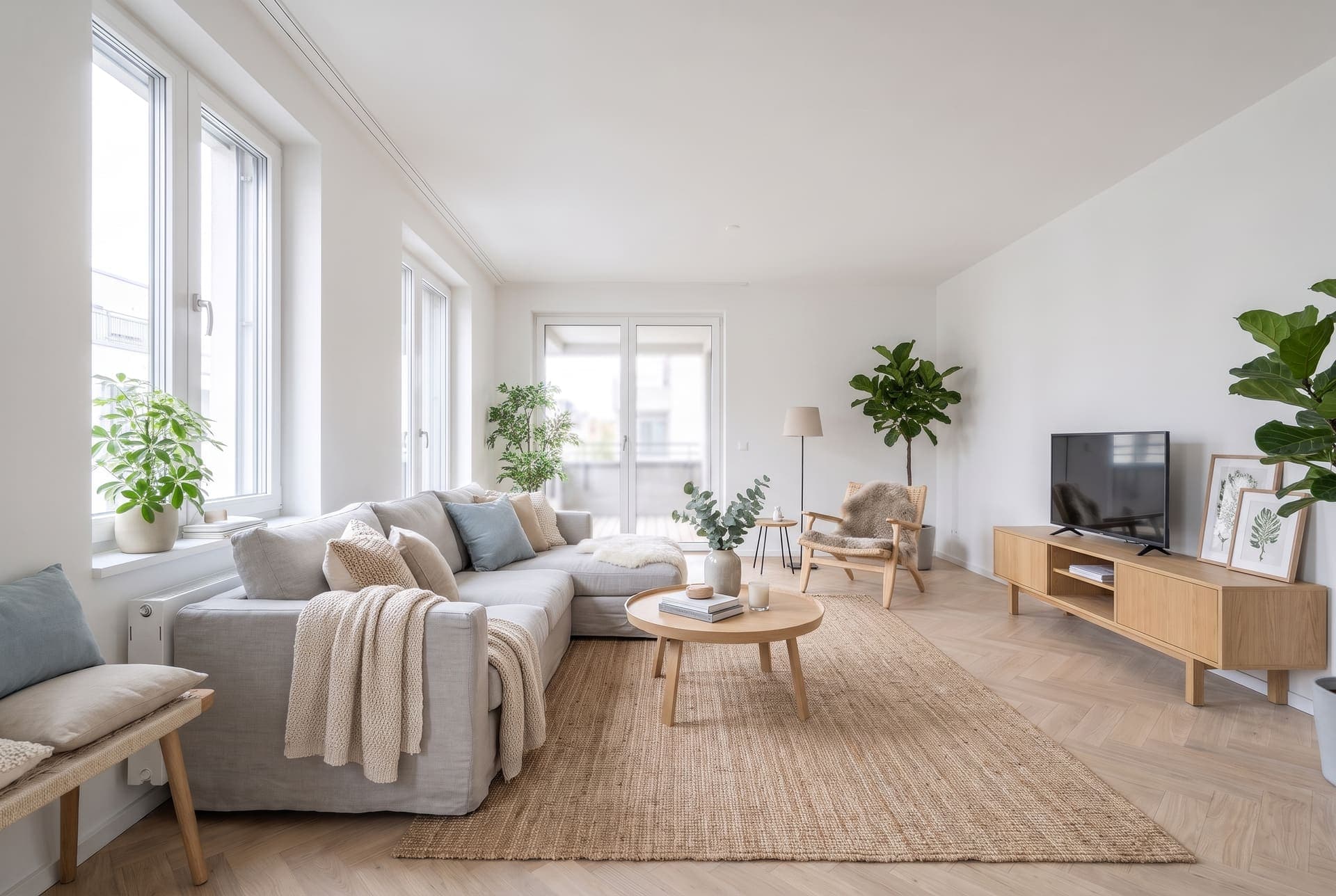
Virtual staging
Show buyers a home, not an empty box. Pick a style and the furniture is designed to fit the room and its light.
Learn more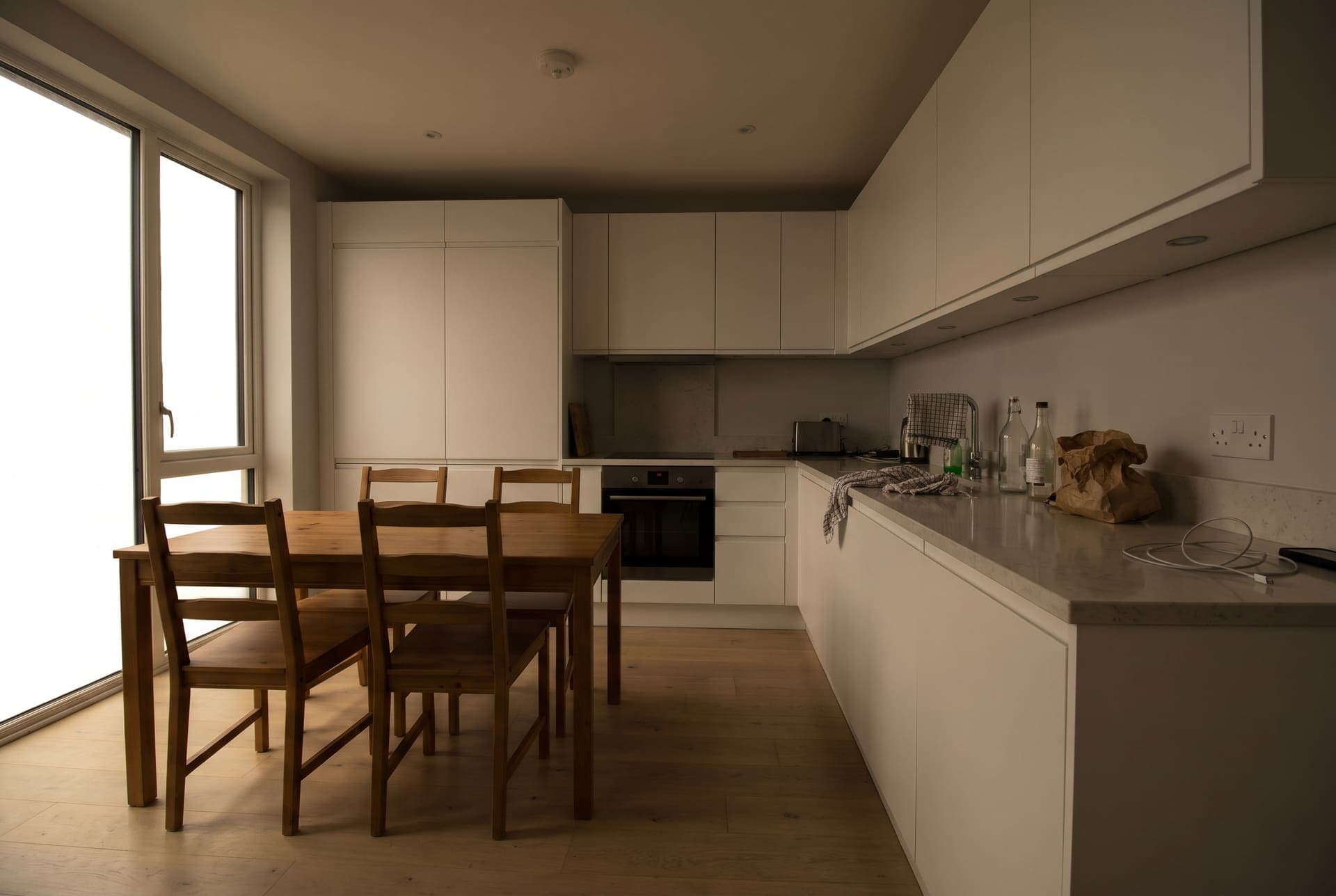 OriginalEnhanced
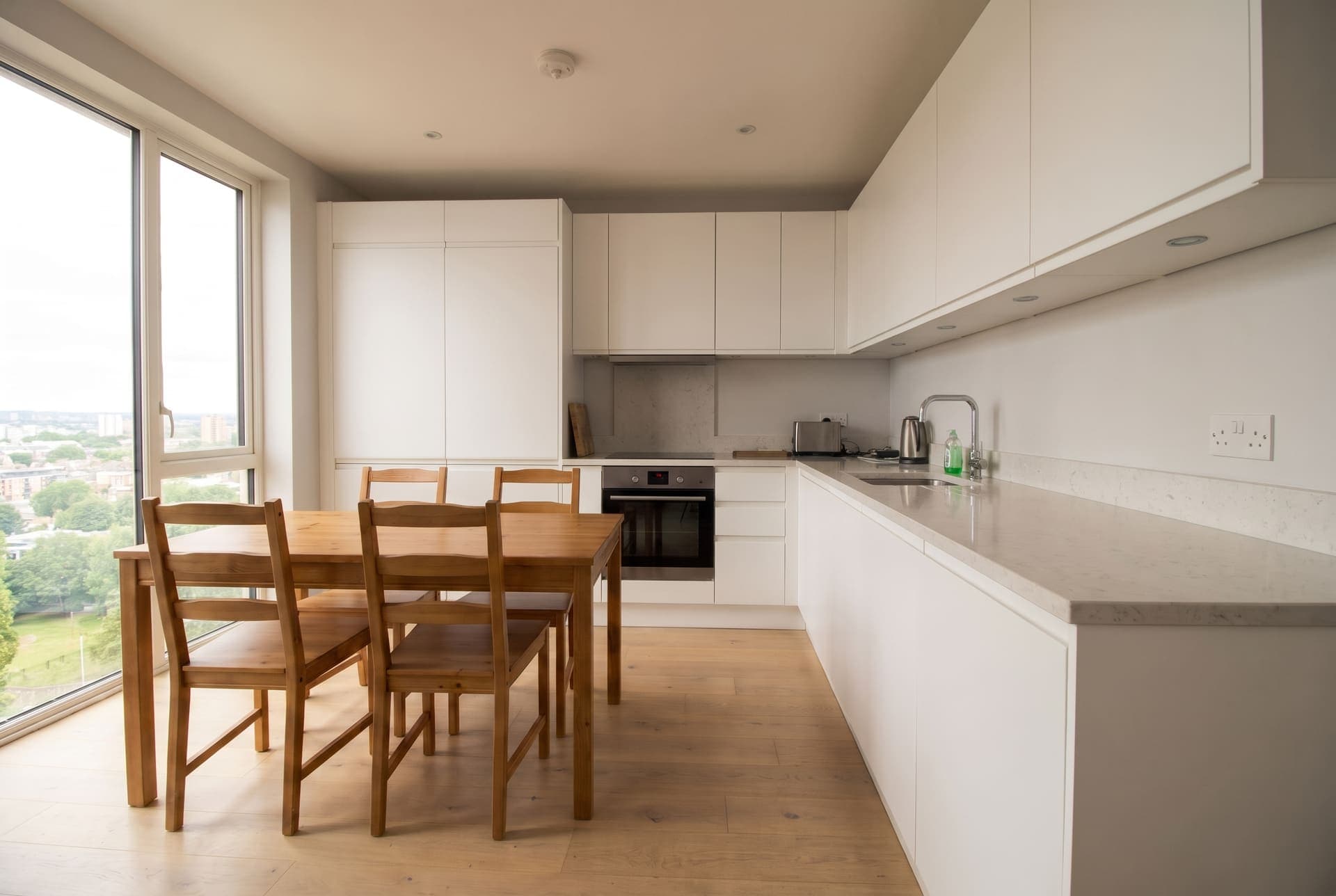
Photo enhancement
Turn dark, yellow or crooked photos into listing-ready ones: better light, truer color, straighter walls.
Learn more
Questions
What does it remove?
Furniture, rugs, curtains, wall decorations, plants, clutter and personal items.
Does it change the architecture?
It is designed not to. Walls, floor material, windows, doors, camera angle and light are meant to stay as photographed. Compare the result with your original before you use it.
Clear your next cluttered room.
See what the room could be, with your own photo.
10 free credits. No card needed. Credits never expire.